Secure collaboration on Windows

Protect your workflows while staying productive:
  • Store, sync, and manage all your files with end-to-end encryption
  • Access cloud files like local ones directly from your file manager
  • Share and collaborate easily through encrypted links and file requests
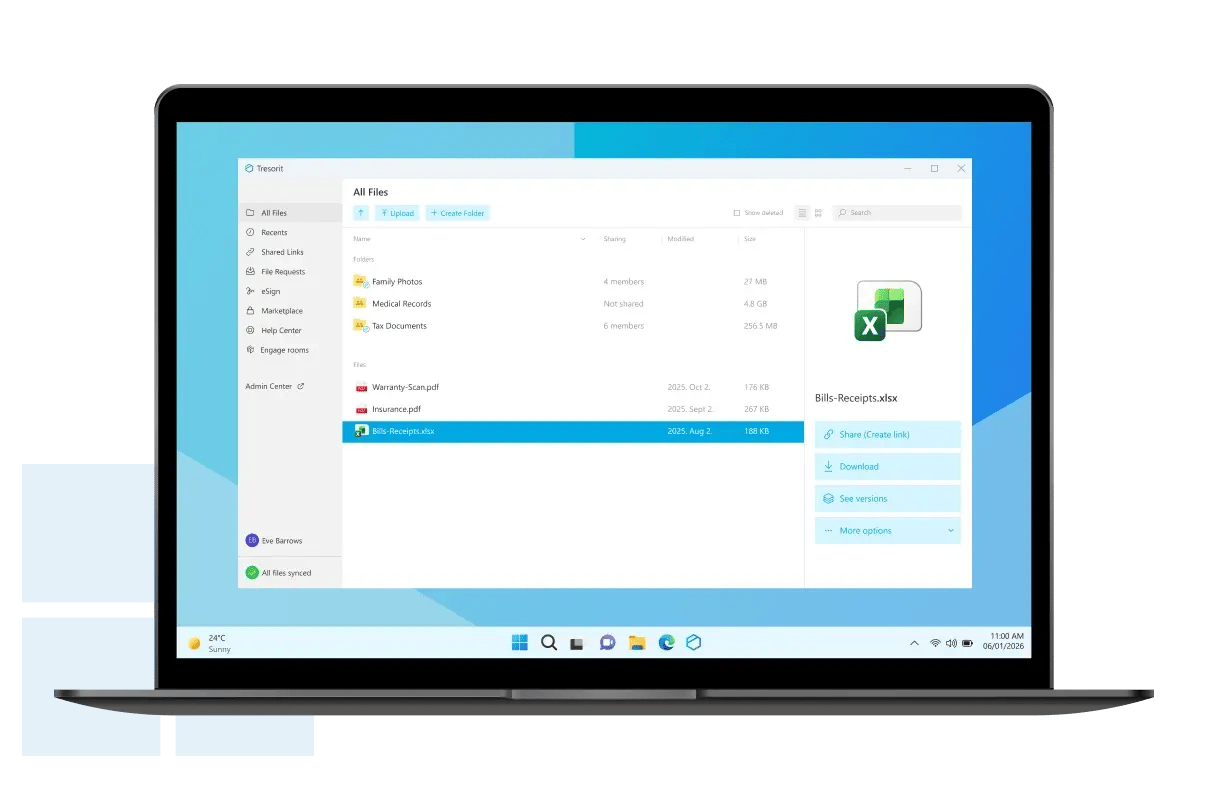
Free download for Windows
Windows 10 or later
Windows-Tresorit-download-3
Not on a windows? Download for or .

Stay securely connected on your iOS or Android phone

Work confidently on the go with powerful mobility features:
  • Automatic camera uploads keep memories protected
  • Share and collaborate with encrypted links from your phone or tablet
  • Scan essential documents securely in just a few taps
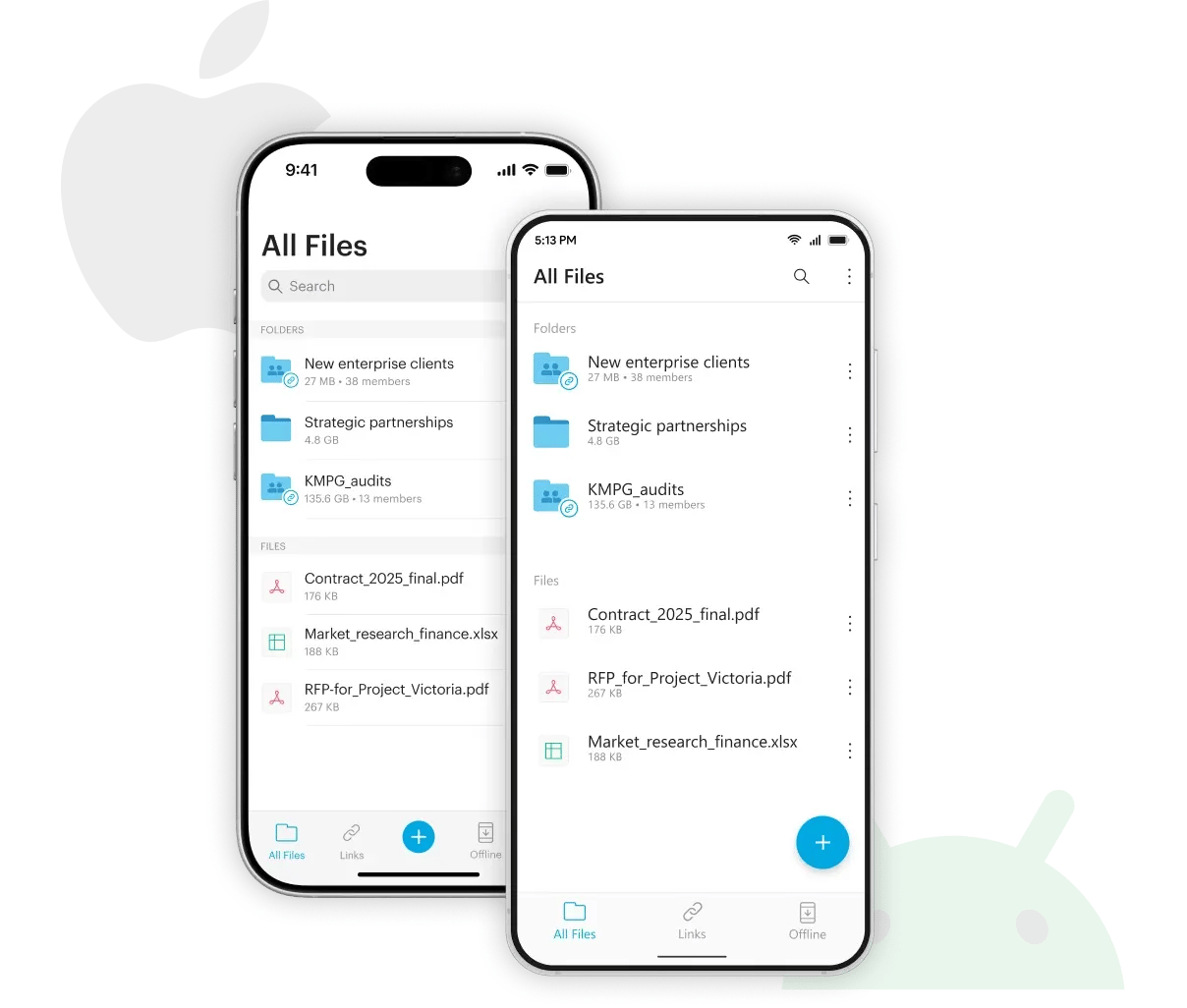
Install on iOS
iOS 15 or later
Install on Android
Android 5.0 or later
MB-iOS-Andorid-Tresorit-download

FAQ – Download & Setup

Tresorit uses zero-knowledge end-to-end encryption to secure your files in the cloud. Every file is encrypted on your device before upload, and only you and the people you share with can open them – no one else, not even Tresorit. Learn more
Not by default. You first need to enable sync for specific folders in the Tresorit desktop app. Once activated, Tresorit keeps your files automatically up to date between your device and the cloud. 
On mobile and web, you can access and download files anytime, but the sync feature is only available on desktop. Learn more
When you uninstall the Tresorit app, syncing with the cloud stops. Your local Tresorit profile, sync data, and preferences are deleted. Files already synced or downloaded to your computer remain untouched. Your Tresorit account and cloud data are not affected — you can still access them via Web Access or by reinstalling the app at any time. Learn more

You’re in the right place – just download the installer for Windows, macOS, or Linux. Once the download finishes, open the installer file saved to your computer. Follow the instructions to complete the setup. When installation is done, log in or create a new Tresorit account to get started. 

Yes. Tresorit is also available for your phone or tablet:

iOS: Download from the App Store.

Android: Get it on the Google Play Store.

Once installed, just sign in with your Tresorit account and you're ready to go.

You can download the Tresorit installer without logging in. However, to use the Tresorit app, you’ll need to create an account or sign in, as an account is always required to access the service. If you ever decide to change your subscription, you can do so easily with your existing account - no need to reinstall the app.

Tresorit works across desktop, mobile, and web platforms. For the most up-to-date list of supported operating systems and browser versions, please visit our Knowledge Base article.

You can view the full release notes for all platforms on the Changelogs section.

Yes. You can use your Tresorit account on several devices – the number of devices you can access and sync depends on your subscription type. If you want to switch between multiple accounts on the same device, just log out and sign in with the other account – no extra installation needed.
Tresorit updates automatically by default, so you’ll always have the latest version. If you ever need to update manually, simply download the newest version from the Tresorit Download Page, run the installer, and it will automatically replace your existing app while keeping your data safe. 
You need an internet connection to access the Tresorit desktop app and your cloud content. However, if you sync a folder, its local copy will be available offline. Keep in mind that offline changes won’t sync automatically, so reconnect to the internet to update your files. Learn more