5 min read
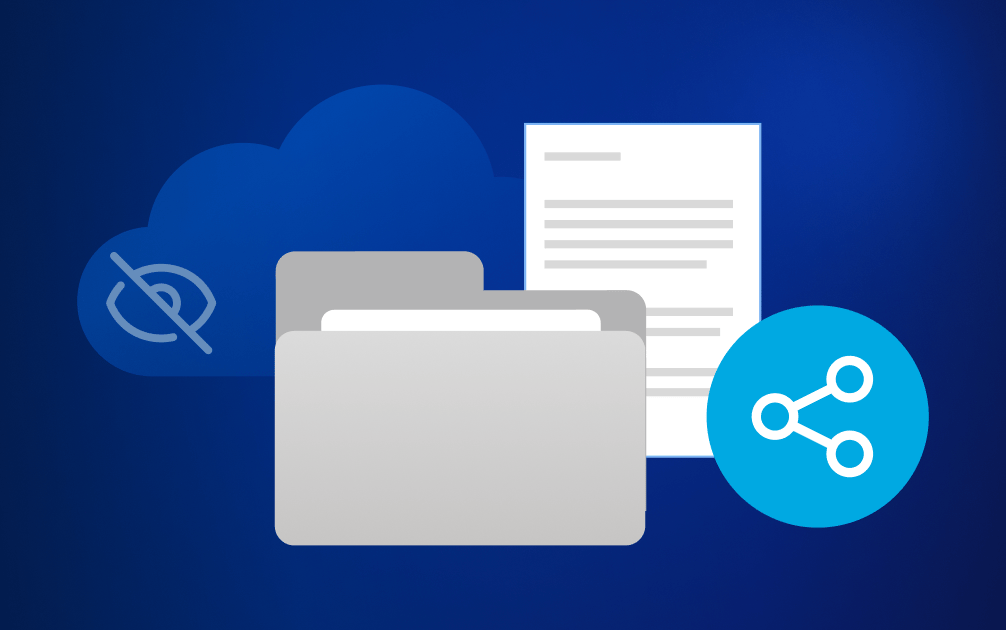


File sharing is one of the most routine parts of modern work, but it is also one of the easiest ways to lose control of sensitive information. Every day, teams send contracts to clients, exchange financial documents with partners, share presentations with colleagues, and collaborate on projects that include customer data, legal files, HR records, and intellectual property.
The risk is not that people share files. The risk is that they share them faster than access can be controlled. In fact, industry breach research continues to show that many security incidents involve human error, misdirected information, weak access controls, or poor permission management. In file sharing, those risks often begin with ordinary actions: a mistyped email address, an unrestricted link, a downloaded attachment, or an external folder that is never reviewed.
Once a file leaves your organisation, visibility can disappear quickly. You may no longer know who can access it, where copies are stored, how long access remains active, or whether the file has been forwarded, downloaded, or re-uploaded into another tool.
The problem is not file sharing itself. The problem is sharing without enough control over the data.
Core principles of secure file sharing
Sensitivity should determine the sharing method
Not every file needs strict restrictions, but sensitive files should never be shared in the same way as public materials. Public content may be safe to distribute broadly, while confidential or regulated information needs authenticated access, clear ownership, and a defined end point. For example, a campaign image can usually be shared with a wider agency team. An HR record, legal agreement, customer file, or investor update should be shared only with verified recipients and only for as long as they need it.
Access should be intentional, not convenient
The fastest sharing option is often not the safest one. Open links, broad folder permissions, and email attachments are convenient, but they make it harder to confirm who has access and remove that access later. A secure sharing process should make the intended recipient clear. Named users, authenticated access, and role-based permissions reduce the risk of sensitive information reaching people who were never meant to see it.
Permissions should reflect the task
Access should be based on what the recipient needs to do, not on what the tool allows by default. If a client only needs to review a proposal, view-only access may be enough. If an external adviser needs to comment on a due diligence file, editing rights may be appropriate for one folder or document, but not for the entire workspace. This is where least privilege becomes practical: give people enough access to complete the work, but not more.
Control should continue after the file is shared
Sharing is not finished when the link is sent. Sensitive collaboration often continues across several days, weeks, or project stages. That is why expiry dates, activity visibility, revocation, and access reviews matter. They help teams check whether a file is still needed, who has interacted with it, and whether access should be removed.
Confidential files need extra protection
Files should be protected while they move between users and while they are stored. For highly sensitive collaboration, zero-knowledge, end-to-end encrypted solutions can add an extra layer of protection because only the intended recipient can access the contents of the files.
Best practices for safer file sharing
So, how does secure file sharing look like in practice? Below are some simple steps you can take to keep files under control while still making collaboration easy — from choosing the right tool to managing access after a file has been shared.
1. Use approved business tools
Keep company information inside systems that IT can secure, monitor, and govern. This reduces the risk of files ending up in personal drives, consumer messaging apps, or unmanaged file transfer services. Approved tools should also be practical for employees. If secure sharing requires too many manual steps, people may work around it to meet deadlines.
2. Verify the recipient before sending access
Check that the person or organisation really needs the file before granting access. This is especially important when sharing contracts, customer data, legal files, HR documents, financial reports, or confidential project materials. Use named recipients instead of broad groups wherever possible. A named recipient is easier to verify, track, and remove than an open link or a large distribution list.
3. Match permissions to the work being done
Give recipients only the level of access they need. Use view-only access when editing is not required, comment access when feedback is enough, and editing access only when the recipient must change the file. Avoid granting folder-level access when one document is enough. Folder permissions can expose older files, unrelated documents, or future uploads that the recipient does not need to see.
4. Avoid unrestricted links for sensitive content
“Anyone with the link” access can turn a confidential document into an uncontrolled access point. The file may be forwarded to someone outside the intended group, saved in another tool, or reopened long after the original project has ended. For sensitive files, require authentication. This makes access dependent on the recipient’s identity, not just possession of a link.
5. Limit downloads where possible
If a recipient does not need a local copy, restrict downloads. This reduces uncontrolled duplication and helps keep the current version inside the managed system. Download restrictions are particularly useful for sensitive materials where local copies create additional risk.
6. Prefer controlled links over email attachments
In many business workflows, a controlled sharing link is safer than a standard email attachment. Attachments create copies that are difficult to track, update, or revoke. A restricted link with authentication, expiry date, activity tracking, and revocation gives you more control after the file has been shared. If a document changes, recipients can access the current version instead of relying on outdated copies in their inboxes.
7. Set expiry dates for external access
Temporary access reduces long-term exposure. An expiry date also reduces reliance on people remembering to remove access manually. For sensitive projects, expiry should be part of the sharing process, not an afterthought.
8. Review and revoke access when work ends
Check shared folders, guest users, and external project spaces once collaboration is complete. Remove access for people who no longer need it, especially external partners, former project members, and temporary reviewers. For sensitive files, audit logs should show who accessed, downloaded, shared, or changed permissions. This helps security, legal, compliance, and IT teams understand whether access was appropriate and whether it was removed at the right time.
Why secure sharing matters for compliance
For regulated organisations, file-sharing controls are not only a security preference. They support governance expectations under GDPR, NIS2, and DORA, where access control, auditability, data protection, third-party risk management, and operational resilience are central requirements.
Teams should be able to show who had access to sensitive information, why they had it, what they could do with it, and whether access was removed when the business need ended.
A secure file-sharing process creates evidence as well as protection. Authentication, permissions, expiry dates, audit logs, and revocation help organizations demonstrate that sensitive files were shared deliberately, not left exposed through convenience or oversight.
Secure sharing should be easy to do right
Secure file sharing is about helping teams work with clients, partners, and colleagues without exposing information longer or more widely than necessary. The strongest approach combines authentication, named recipients, least-privilege permissions, expiry dates, activity visibility, revocation, and encryption.
The goal is simple: keep collaboration easy while maintaining control over your data. Because once sensitive information is shared without the right safeguards, it can be difficult to control where it goes or who can access it.
Is Tresorit the right fit for your file sharing needs?
Tresorit is particularly well suited for organisations that regularly exchange files with external parties and need a secure, easy-to-use way to share sensitive information. It is a strong fit when recipients change frequently, when confidential documents require additional protection, or when organisations want greater control over who can access files and what they can do with them. Features such as secure file requests, secure sharing links protected with password, download restrictions, expiry dates, watermarking, access revocation and more, can help organisations share information securely without adding unnecessary complexity for recipients.
This gives businesses a safer alternative to email attachments and unrestricted links, while supporting access control, auditability, and data protection expectations under frameworks such as GDPR, NIS2, and DORA.
When might Tresorit not be the best fit for file sharing?
Tresorit is designed for secure file sharing and collaboration around sensitive information. However, it may not be the best fit for every file-sharing scenario.
Organisations whose workflows depend heavily on real-time document co-authoring may be better served by platforms built primarily around collaborative editing. Likewise, companies that regularly transfer extremely large files, such as high-resolution media assets or multi-gigabyte production files, may require solutions specifically optimised for large-scale content delivery.
Finally, organisations looking for a file-sharing solution to deploy as a primary collaboration platform for every employee across very large, enterprise-wide environments may have different needs than those Tresorit is designed to address.
Katalin Jakucs
View more articles from this author
Share this article