6 min read


Sensitive collaboration rarely happens inside a document alone. As more teams, clients, partners, and tools become involved, it happens around it. A contract becomes a review process. Audit documentation triggers discussions, tasks, and follow-up actions. And increasingly, AI helps refine content along the way. Yet the context surrounding collaboration is often scattered across emails, chats, and other tools, making it harder to maintain control and momentum.
That's why Tresorit is evolving into a secure collaboration platform, where sensitive files, collaboration, discussions, and AI refinements stay connected and under organizational control – throughout the entire workflow.
What's new?
- Encrypted Office editing in SecureCloud and Engage
- Comments on Engage Pages
- Customer-controlled AI arrives in Engage next month
- Sync and Tresorit Drive, now extended to Engage files.
- S3-compatible Tresorit API
- Modernized SIEM integration
Fragmented workflows: Why context becomes the new bottleneck
Ever been in a situation like this? Six weeks after the contract is signed, the client asks why the last clause changed. You know there’s an answer: A colleague made that call on a Thursday afternoon, for good reasons, in a chat thread. Hastily, you open the shared folder to work out which version is actually final. You scroll back through the chat. Twenty minutes and several app switches later, you respond to the client with your best reconstruction of what was decided and hope you've got it right.
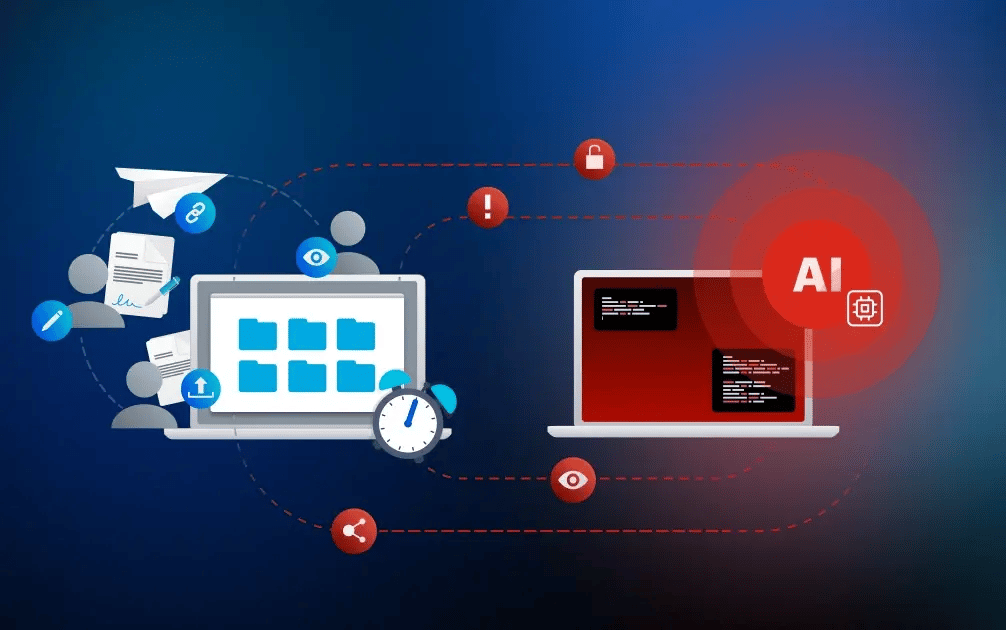
Modern teams don't suffer from a lack of information. They suffer from a lack of context. They spend valuable time piecing together information needed to move work forward. Harvard Business Review found that employees switch between apps and websites around 1,200 times per day, losing nearly four hours a week just to reorient themselves. And now AI has entered the picture, often amplifying the problem. Most AI is not in the workflow. It sits in a browser tab beside it, with the person acting as the integration layer. In Atlassian's State of Teams 2026, 85% of knowledge workers use AI at work, but only 29% have it inside an established workflow.
And the same fragmentation that costs time creates exposure. Every extra handoff, tool switch, attachment or copy-and-paste is another chance for human error and security risk. Fragmentation is a productivity tax and an attack surface at once, which means fixing it pays twice.
One secure experience: Bringing work and context together
Our latest updates across Tresorit bring more of the sensitive content, context, collaboration – and now customer-controlled AI – together in one unified secure experience.
Securely edit Office files without breaking the flow
Every time a contract, spreadsheet, or deck leaves its secure home as an attachment, you lose sight of who has it, which version is current, and where it ends up next.
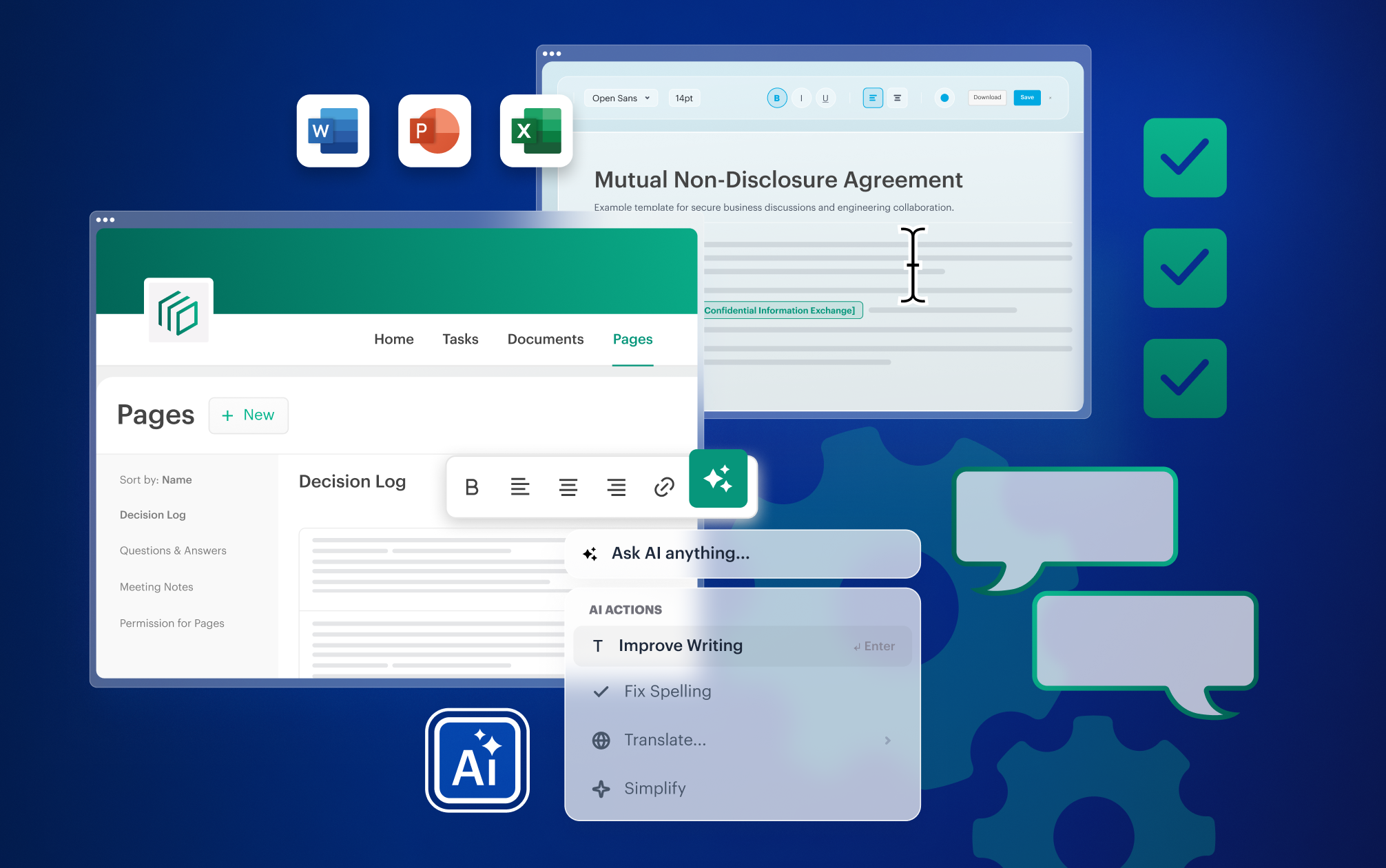
Until recently, organizations often had to choose between strong end-to-end encryption and the convenience of browser-based document editing. Bringing those two worlds together has been one of the most requested capabilities from Tresorit customers. And now, it’s here: You can edit Word, Excel, and PowerPoint files directly in Tresorit, keeping editing inside the secure workflow. Your files are encrypted on your device and stay end-to-end encrypted throughout the process. As a result, no unauthorized users – not even Tresorit – can read them.
Why it matters
- Keep sensitive content protected: Files stay end-to-end encrypted during the editing workflow.
- No extra cloud provider: Edit DOCX, XLSX, and PPTX files in the browser without moving files to a third-party office suite.
- Work more efficiently: No downloads, re-uploads, forwarded attachments, or version confusion. Keep reviews and edits connected to a single file.
- Support data sovereignty: Built on Collabora Online's open-source code, with our changes published as open source for independent review.
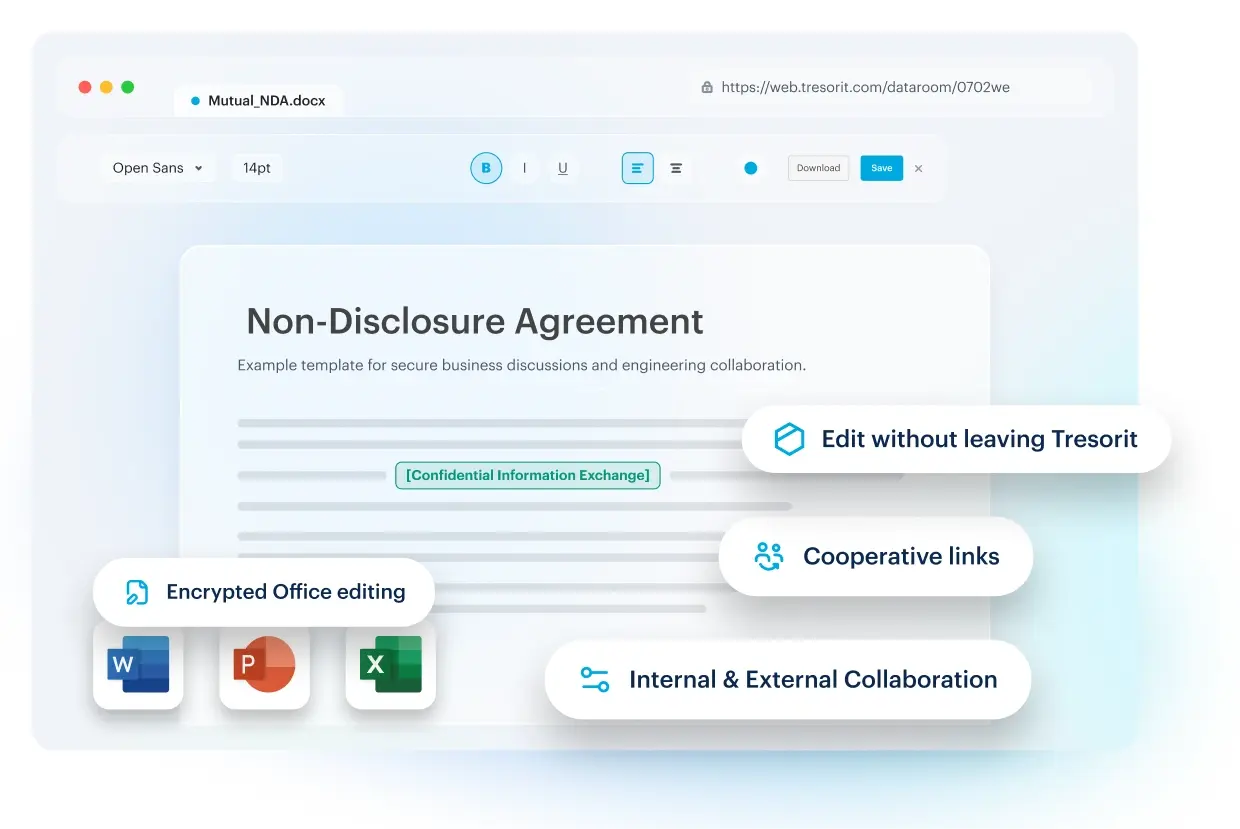
Three easy ways to collaborate on files, depending on the relationship:
-
Reviewing a contract with a partner?
For one-off collaboration, shared links with editing permissions enable secure editing without a Tresorit account. Useful when a client fills in their section of a questionnaire, or a counterparty marks up a draft, and you would rather not send an attachment into the unknown.
-
Working on an internal budget with your team?
For document-centric internal collaboration, authorized folder members with editing rights can edit documents directly in Tresorit.
-
Running an ongoing client or partner collaboration?
For long-term projects and external collaboration, Engage Rooms provide a secure workspace, keeping reviews, edits, and versions together – right next to the tasks, comments, and decisions that shape them. So if the penetration testing report needs an update or the findings presentation one more slide, you can open the file in your encrypted Engage room and update it.
Comment on Engage pages: Discuss the work where the work lives
Some workflows grow beyond documents. Onboarding a customer, coordinating penetration testing, due diligence, or working with external counsel means managing discussions, tasks, and knowledge that tend to scatter across inboxes and chats. Tresorit Engage has been designed to bring external collaboration and full-cycle workflows into one secure workspace.
And now comments on pages and tasks keep discussions attached to the sensitive content they concern. Here’s what you can do:
- Add comments, ask questions, and provide feedback exactly where the information lives.
- Loop in the right stakeholders instantly with @mentions, without switching to another communication tool.
- Resolve and reopen threads to keep discussions moving with clear thread status.
- Stay informed about comment activity in the room activity dashboard.
AI is coming soon to Engage. But control comes first
AI has already entered most organizations' workflows. The only question is whether it came through the front door or slipped in through an unapproved tool. According to IBM's 2026 Cost of a Data Breach Report, security incidents involving shadow AI more than doubled in a year, to 43%. Over the same period, 68% of breached organizations lacked the governance to manage AI or detect shadow AI – up from 63%.
For regulated organizations, AI should not become another blind spot. It should operate within the controls you already trust. That’s why AI in Engage is our first step toward customer-controlled AI: helping your teams work faster while keeping control and choice in your hands.
How does AI in Engage work?
With AI in Engage joining the workflow next month, teams can refine, translate, and proofread selected content in the Home tab and on pages, right where work happens. Put AI to work without switching tools: refine an onboarding roadmap on your client or partner portal's welcome page, or translate a Q&A directly on an Engage page.
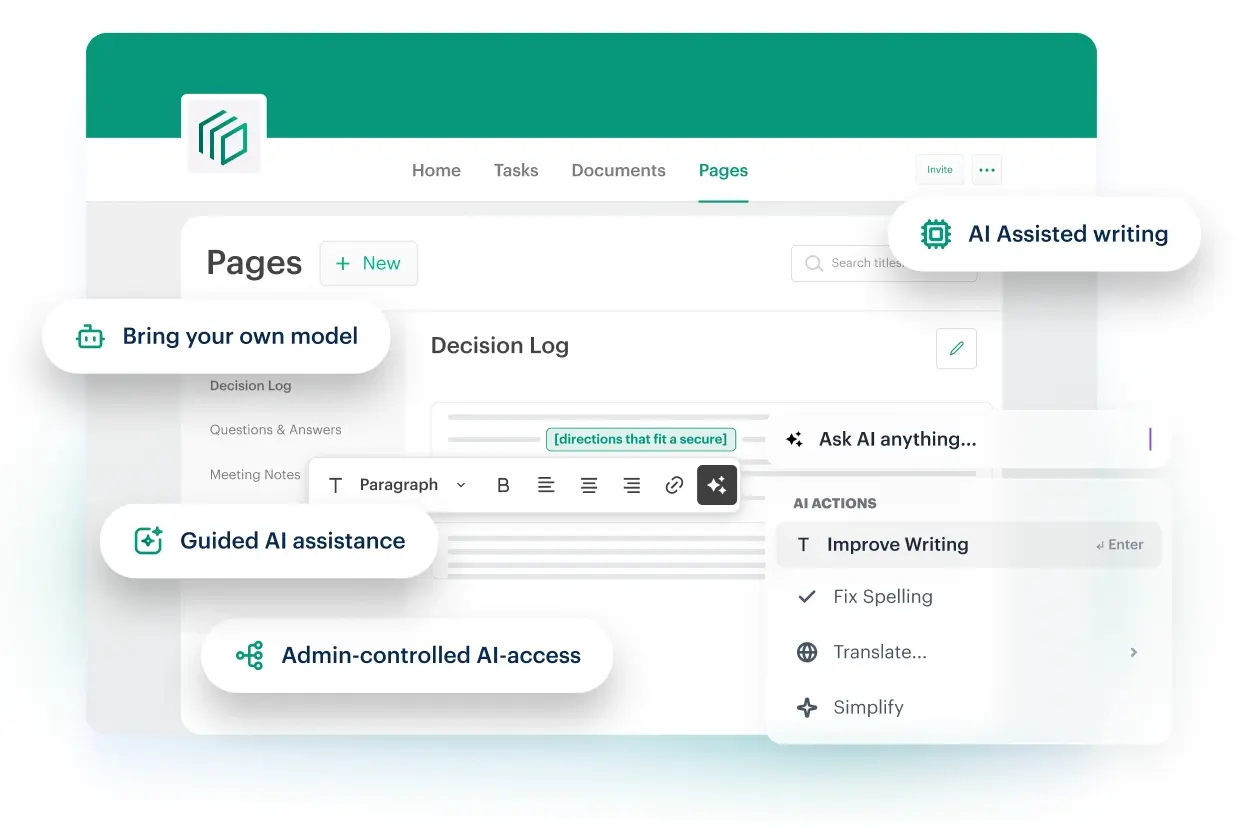
AI on your terms. What customer-controlled AI means
Not every organization requires the same level of protection for every use case. That’s why Tresorit supports multiple layers of security, including our zero-knowledge end-to-end encrypted architecture for the most sensitive data. Customer-controlled AI follows the same principle: you choose the balance of security, collaboration, AI capabilities, and usability that fits your requirements, while maintaining control over your information.
Here’s what that means in practice:
-
Your provider: Bring your trusted AI provider into the workflow.
Your administrator connects your organization's own provider (OpenAI, Anthropic, Microsoft Azure OpenAI, or another) using your endpoint, your API key, and your chosen LLM model.
-
Your rules: Decide how AI is enabled and configured.
AI remains disabled until your Tresorit administrator chooses to enable it. Organizations decide if, when, and how AI should be used, ensuring deployment aligns with their policies and compliance requirements.
-
Your scope. Define exactly what AI can see.
When AI is used in Engage, only the content selected for that specific task is sent to the configured model, together with the user's prompt. No files, no attachments, no other Engage pages or room content are exposed.
Want to be among the first to try AI in Engage? Start your Engage trial today, and we’ll let you know as soon as customer-controlled AI is available.
Connect secure collaboration to the systems you already run
Sensitive information does not only move between people and files. Increasingly, it moves between business applications, monitoring tools, and AI-driven workflows. We're expanding Tresorit's integration capabilities, helping information move more smoothly while giving organizations greater visibility and control.
Automate file operations and connect AI-assisted workflows
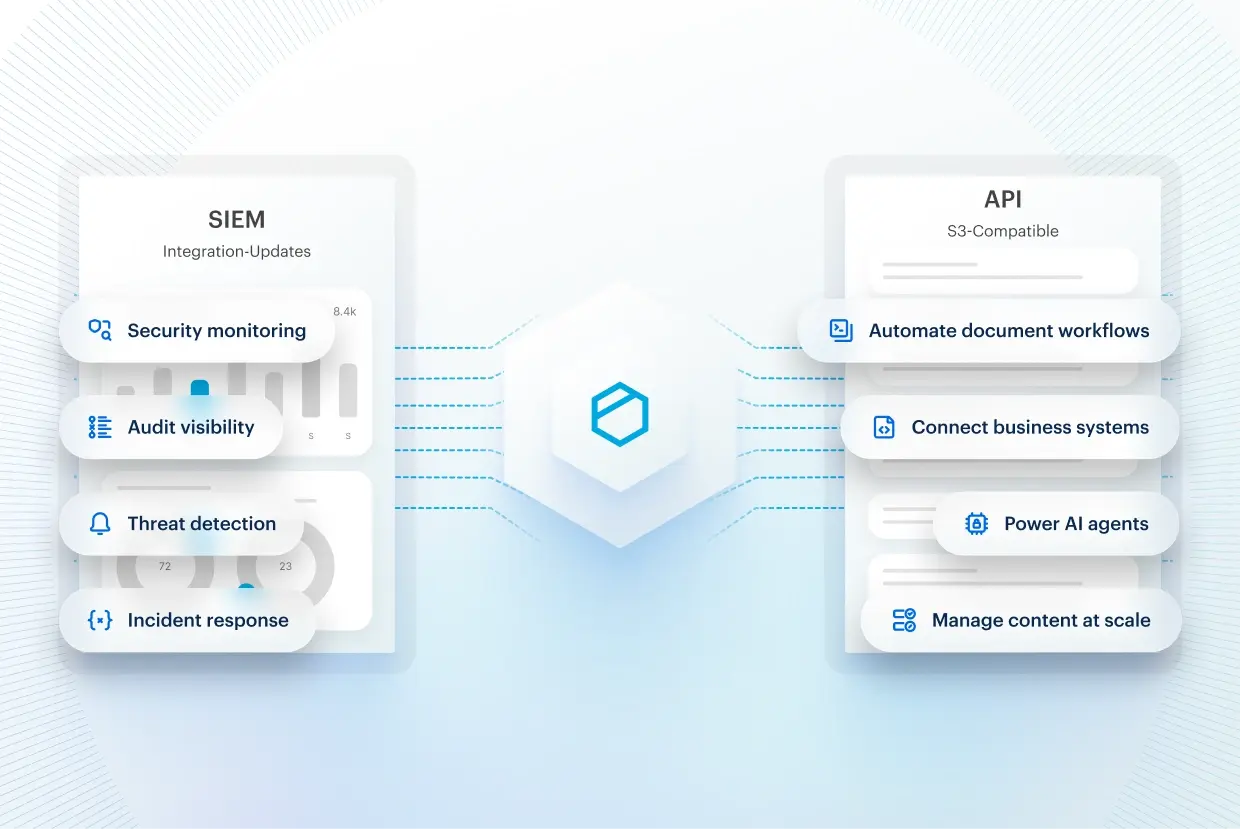
The new S3-compatible Tresorit API allows organizations to connect Tresorit with existing applications, automations, and AI-powered workflows. Secure collaboration becomes part of the workflow instead of running alongside it.
Interested to see how it works in practice? UNI FORCE, a German consultancy advising healthcare professionals on tax, legal, and financial matters, already works this way. Documents that employees once downloaded from a third-party system and re-uploaded manually are now handled end to end by the organization's own AI agents through the API. Read the UNI FORCE story.
Connect your security operations
We've modernized our Microsoft Sentinel integration by moving to Microsoft's newer Log Ingestion API. This ensures that Tresorit audit events continue to flow reliably into your security operations. The same visibility you rely on, built for long-term continuity.
Find all your content, faster
As organizations grow, so does the amount of sensitive content they manage. Customer projects, partner collaboration, and internal workspaces can quickly turn into a maze of folders and portals.
That's why we've made navigation simpler: Documents in Engage rooms now benefit from Sync and Tresorit Drive capabilities. This allows Room Managers to access and work with room content alongside their other Tresorit files.
Availability at a glance
|
Update |
Product |
Availability |
|
Encrypted Office editing |
SecureCloud and Engage |
Professional, Business, Business Pro, Enterprise |
|
Secure AI Connector |
Engage |
Arriving next month. Admin-enabled; requires your organization's own LLM and API key |
|
Commenting |
Engage |
Engage pages and the Home tab |
|
Sync and Tresorit Drive, extended to Engage files. |
SecureCloud and Engage |
Access for Room Managers |
|
S3-compatible Tresorit API |
SecureCloud |
Professional, Business, Business Pro, and Enterprise |
|
SIEM integration updates |
SecureCloud |
Business Pro and Enterprise |
From secure files to connected workflows
Sensitive work is becoming more collaborative and increasingly AI-assisted. Yet when information is fragmented across tools or locked away in isolated repositories, organizations pay twice: through lost productivity and increased security risk.
That's why Tresorit is evolving beyond securing files to securing workflows end to end. With every line of code and every new release, we are working to make secure collaboration feel more intuitive while keeping control in your hands. One secure environment where workflows stay connected, security stays in the background, and AI operates within boundaries you define.
Ready to experience secure collaboration and connected workflows? Start your 14-day free trial and explore the latest SecureCloud and Engage capabilities.
Share this article