7 min read


AI agents are moving from experimentation to execution. They no longer just answer questions or summarize documents: they retrieve information, coordinate workflows, and complete tasks on behalf of employees. Every capability an agent gains comes with a decision about access: what it may see, which tools it may use, and what it may do without a human signing off.
Organizations often focus on what AI agents can do. The more important question may be what they should be allowed to do. When agents are deployed without clear boundaries, they can quickly gain access to information, applications, and functions far beyond what their task requires. Maintaining control therefore doesn't start with the agent itself. It starts with defining the rules under which it operates.
In practice, AI agent access control comes down to four decisions:
- Identity: the agent acts under its own identity, not an employee's.
- Scope: its task is defined precisely, and it gets only the data, tools, and functions its task requires.
- Approval: actions with far-reaching consequences need a human sign-off.
- Oversight: its activity is logged, and its access expires when the task is done.
This guide walks through each decision using one example, an agent preparing a client meeting, with a table you can adapt for your own agents.
What is an AI agent and what is it used for?
An AI agent is an AI-powered software system that handles tasks on its own and can access data, applications, and tools to do so. Its main value is that it can link several work steps together and complete tasks with minimal human intervention. Three typical use cases show how varied these tasks can be:
- Productivity and decision support: Agents automate routine tasks, prepare information, and assist with decision-making.
- IT security: Agents help analyze and handle security-related tasks.
- Software development and deployment: Agents support workflows across development, testing, and deployment.
Why do AI agents create a new access risk?
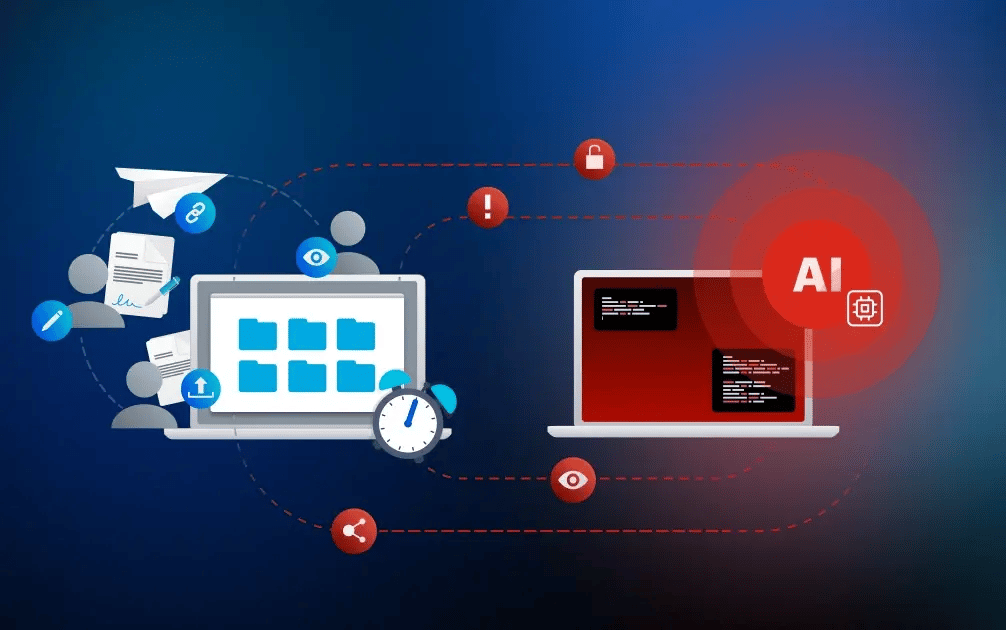
Imagine an AI agent is asked to prepare a client meeting. It searches the project folder, summarizes the current status, and drafts a presentation. It may then automatically share its output or process the information in another application. At that point, the agent is no longer just a tool generating content. It is actively operating within the organization's digital environment.
What if the same agent can also reach confidential contract drafts, HR documents, or financial data? The more data, applications, and functions an agent can access, the broader its scope of action becomes. Organizations must therefore limit that scope from the outset to what is strictly required for the specific task at hand.
Many organizations are still putting these controls in place: IBM's Cost of a Data Breach Report 2026 found that 40% use access controls on AI models and data, and that 92% of organizations reporting an AI-related breach lacked proper AI access controls.
Without clear boundaries, risks can emerge on multiple levels:
- Unauthorized access: The agent accesses or combines sensitive information from projects, customers, or departments that are unrelated to its assignment.
- Uncontrolled data flows: Data ends up in unapproved systems through connected applications, APIs, or external services.
- Manipulation: Crafted content or inputs, known as "prompt injection," can lead the agent to disclose information or trigger unwanted actions. In IBM's study, prompt injection attacks caused average losses of USD 5.89 million.
- Actions without approval: The agent changes, sends, or shares documents before a human has reviewed and approved the specific action.
- Lack of oversight: Human and automated activities become difficult to distinguish, and permissions stay active long after they're no longer needed.
All five can be contained with the four decisions above. The first is identity.
Step 1: Why does an AI agent need its own digital identity?
A separate digital identity makes an agent recognizable in every system it touches. Just as employees are recognized in IT systems by their own digital identity, an AI agent should also act under its own identity. Applications, databases, and other services can then see which agent is active and assign it the right access rights and permissions. This matters because identity has become the main entry point for attackers, as our overview of this year's cybersecurity trends shows. Every agent with its own credentials is one more identity to protect.
An AI agent should not simply inherit an employee's identity. Employee permissions typically reflect a broader organizational role, including a wide range of responsibilities and access rights. An AI agent, by contrast, is deployed for a specific task and should get only the access that the task requires. And if it fully takes over an employee's identity, human and automated activity would become almost impossible to tell apart. In short: a person’s access is sized to their role; an agent’s access to its task.
When deploying an AI agent, organizations should therefore first answer three questions:
- What specific task is the agent being deployed for?
- Which person, team, or business process is it assigned to?
- Who is responsible for managing the agent and its permissions?
Step 2: What data and tools does an AI agent need for its task?
Once it’s clear what the agent should accomplish and who it works for – the person responsible for the agent and its permissions –, the next step is deciding which permissions it needs. Here, too, the principle of least privilege should apply: an AI agent only gets access to the data, applications, and functions it actually needs for its task. Our guide to data access control explains the underlying models.
a) What data may the agent access?
Organizations should define which data sources, folders, datasets, and document types an AI agent may access. An agent preparing a client meeting, for example, needs approved project status documents and presentation templates, but no access to other client projects, personnel files, or internal financial planning.
The rules also need to cover what the agent may do with the information available to it. May it summarize content, or also combine information from multiple sources? May it transfer results to other systems or send data to an externally operated AI service?
b) Which applications and interfaces may it use?
Organizations should also define which applications, databases, APIs, or external services the AI agent may communicate with, and which functions are available to it there. Access to a project management system, for example, doesn't automatically mean the agent may delete projects, add users, or change permissions. Likewise, an agent shouldn't be able to activate additional plug-ins, interfaces, or cloud services on its own, unless this has been explicitly approved.
Step 3: What may the agent create, change, send, or delete?
Finally, organizations need to set out how much room the AI agent has to act. This means separating actions it may carry out on its own, actions that require human approval, and actions that are ruled out entirely because of their sensitivity or business impact.
For high-risk actions in particular, organizations should decide in advance where human oversight is required. That can apply, for example, when an agent sends documents externally, changes sharing permissions, deletes records, or modifies user rights. This keeps human-in-the-loop oversight in place wherever automated decisions can have far-reaching consequences.
The following examples illustrate how permissions can be aligned with specific business tasks:
|
AI agent's task |
Allowed data access |
Allowed tools |
Allowed actions |
Prohibited actions |
|
Prepare a client meeting |
Selected project documents |
Document repository, presentation tool |
Summarize and create a presentation draft |
Send externally or change sharing permissions |
|
Prepare a contract draft |
Approved templates and relevant details |
Contract management or document management platform |
Create a draft contract |
Sign or send to the client |
|
Update project status |
Defined fields in the project management tool |
Project management tool via approved interfaces |
Update status and specified fields |
Delete records or change user rights |
As the examples show, data access, tool use, and permissions can be closely tailored to each task. The greater the possible consequences of an action and the harder it is to reverse, the more tightly organizations should limit what the agent can do.
Step 4: How do actions stay traceable and access revocable?
Even after identity, access rights, and permissions have been assigned, ongoing oversight matters. While the agent is running, those responsible must be able to see at any time which information it accesses, which information it uses, and which actions it triggers. At the same time, it must be possible to adjust or revoke its permissions.
The duration of access rights also matters. An agent created to support the preparation of a client meeting may no longer require access once that task has been completed. Time-limited permissions and automatic expiration dates help prevent unnecessary access from remaining active indefinitely.
The National Cybersecurity Center of Excellence (NCCoE) at the U.S. National Institute of Standards and Technology (NIST) addresses these requirements in its February 2026 concept paper Accelerating the Adoption of Software and Artificial Intelligence Agent Identity and Authorization. Its focus areas include identification, authentication, authorization, and auditing, as well as non-repudiation and controls to mitigate prompt injection. Organizations looking to build secure AI agent deployments can use these principles as a framework for governance and risk management.
In practice: AI agents in a confidential document workflow
UNI FORCE, a German firm providing tax, legal, and financial consulting to healthcare organizations, uses AI agents to process client documents. Files move automatically from the client portal into encrypted Tresorit storage through the S3-compatible API, using assigned permissions instead of an employee transferring them by hand. The agents run in UNI FORCE's own environment and carry out predefined processing steps while Tresorit provides the encrypted storage and the connection. → Read the full customer story
No master key for AI agents
Using AI agents securely depends on a well-defined framework. When organizations define identity, data access, tool use, and permissions deliberately from the start and review them regularly, they can benefit from automation while keeping sensitive information under control. AI agents don't need a master key to data and applications. They need exactly the rights that fit their task.
How Tresorit helps you stay in control of sensitive data
Tresorit provides a secure, easy-to-use platform to store, share, and collaborate on sensitive files and projects – fully under your control. Because not every use case needs the same level of protection, Tresorit supports multiple layers of security: from zero-knowledge end-to-end encryption for the most sensitive data to secure connections for AI-assisted workflows. This lets organizations choose the balance of security, collaboration, AI capabilities, and usability that fits their requirements.
Our customer-controlled AI approach means organizations can make sensitive information available in a controlled way and decide deliberately which provider to use, how AI is configured, and which content may be used in AI-driven processes.
- Zero-knowledge end-to-end encryption: Files are encrypted on the device before upload and only authorized recipients can decrypt them – Tresorit itself cannot.
- Separate workspaces for separate tasks: Keep the documents an agent works with in their own encrypted workspace, apart from files it has no reason to access.
- Granular controls and visibility into file activity: Access controls and admin policies let you decide who can access which file and for how long, while activity logs show who accessed what.
-
- A secure system connection: With the S3-compatible API, your own systems and AI agents can store and retrieve files in Tresorit using assigned permissions, without anyone moving files by hand.
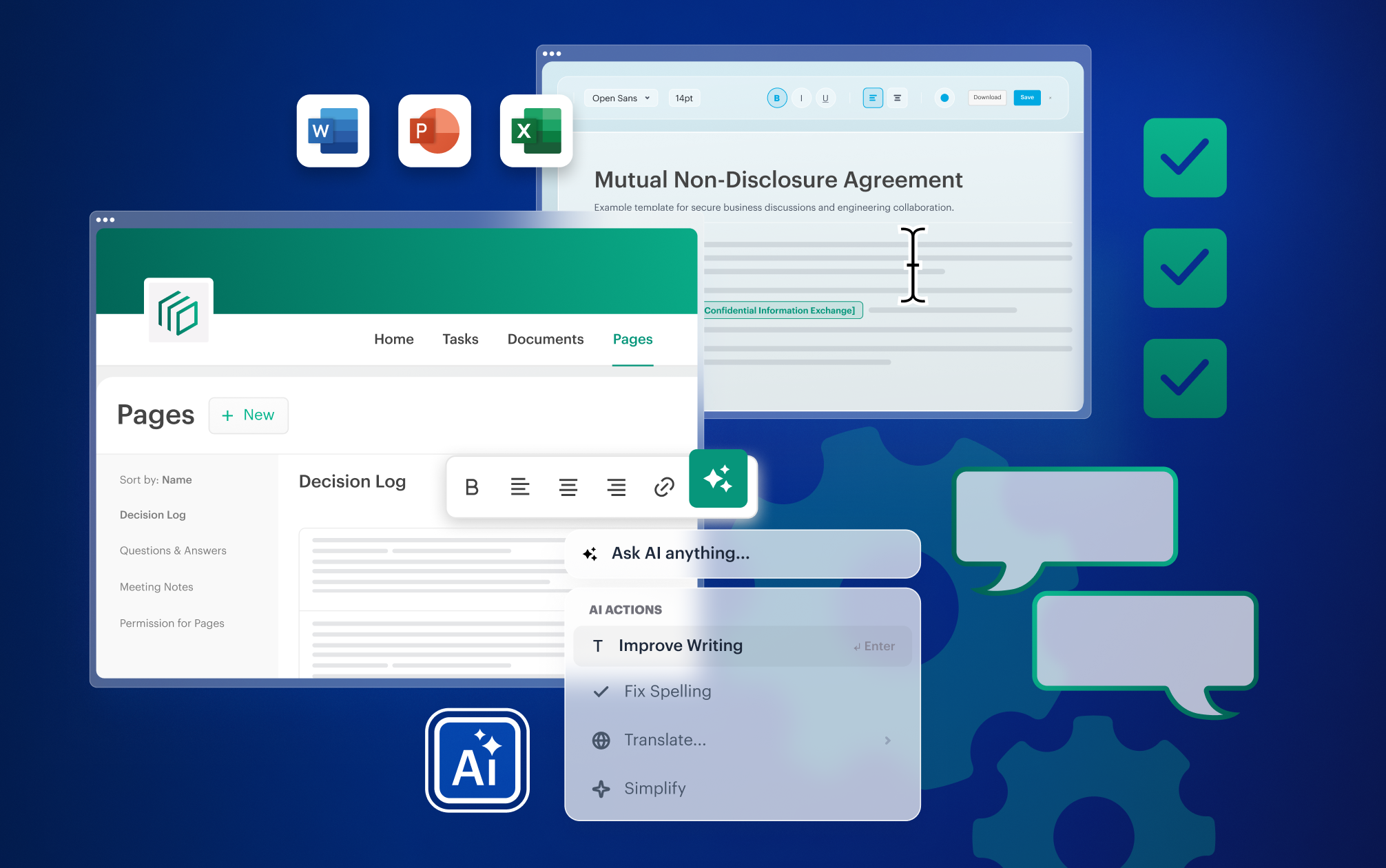
- Coming soon – AI inside Tresorit, on your terms: AI in Engage helps you refine, translate, and proofread selected content in the Home tab and on pages. It stays off until your administrator turns it on, and it runs on the AI provider your organization chooses.
- A secure system connection: With the S3-compatible API, your own systems and AI agents can store and retrieve files in Tresorit using assigned permissions, without anyone moving files by hand.
When is Tresorit a good fit?
Tresorit is particularly well suited for organizations that regularly handle confidential or regulated information, both internally and externally. It's often a strong fit when security and compliance are business-critical requirements, for example when:
- You exchange sensitive files with employees, clients, partners, or suppliers and need to control who can access them.
- Data protection, data sovereignty, and flexible data residency matter to you or your clients.
- You need secure and easy-to-use collaboration on complex projects with external parties.
- Your AI agents or automated workflows process sensitive documents and need encrypted storage they can connect to through an S3-compatible API.
When might another solution be a better fit?
Organizations that mainly work with low-risk information and want AI that indexes and searches all their content automatically may find a less secure collaboration platform with built-in AI sufficient.
Ready to give your sensitive workflows a secure foundation? Compare Tresorit's business plans and find the one that fits your team. See Tresorit business plans and pricing →
Brigitta Finta
View more articles from this author
Share this article